











Why Peripheral Vision in Progressives Often Looks Distorted
The Unavoidable Trade-Off: Understanding Progressive Lens Physics
If you've recently switched to progressive lenses, you may have noticed a frustrating quirk: while the center of your vision is sharp, the periphery can seem blurry, wavy, or distorted. This phenomenon, often called the "swim effect," is not a defect in your glasses. It is a fundamental and unavoidable consequence of how progressive lenses are designed.
At its core, a progressive lens is a marvel of optical engineering that seamlessly blends multiple prescriptions into a single lens without visible lines. This allows you to see clearly at a distance (by looking straight ahead), at intermediate ranges like a computer screen (by lowering your gaze slightly), and up close for reading (by looking through the bottom). However, this convenience comes with a trade-off dictated by physics.
According to the Minkwitz theorem, a foundational principle of lens design, it's impossible to create this smooth transition of power without introducing unwanted surface astigmatism on the sides of the lens. Think of it like a waterbed: if you push down in the middle, the sides bulge out. In a progressive lens, the clear central "corridor" is where the power is precisely controlled, and the resulting optical "bulges" are pushed to the periphery. This is the root cause of the distortion you experience.

Anatomy of a Progressive Lens: Mapping the Zones of Clarity and Blur
To master your new glasses, it helps to visualize the lens as a map with distinct zones:
- Distance Zone: The large, clear area at the top of the lens, optimized for tasks like driving or watching television.
- Near Zone: The clear reading area at the bottom of the lens.
- Intermediate Corridor: The narrow channel connecting the distance and near zones. This is where the lens power progressively changes, allowing for clear vision at arm's length, such as on a computer monitor.
- Peripheral Distortion Zones: These are the areas on the left and right sides of the corridor. The unwanted astigmatism is housed here, causing blur, waviness, and the swim effect, especially when you glance side-to-side.
Understanding this layout is the first step. The key to successful adaptation is training your eyes and head to work together to stay within the zones of clarity.
Why Distortion Varies: Key Factors in Lens Design and Fit
The amount of peripheral distortion you perceive isn't the same for everyone. It is influenced by your prescription, the specific lens design you choose, and, most critically, the precision of the fit.
Lens Design: "Soft" vs. "Hard"
Progressive lenses come in two main design philosophies:
- Hard Designs: These prioritize a wide, clear central viewing area (distance and near). The trade-off is that the peripheral distortion is more concentrated and intense. This can be jarring for active individuals but may be suitable for those who do mostly stationary tasks.
- Soft Designs: These spread the distortion over a larger area, creating a smoother, more gradual transition from clear to blurry. While the central corridor might be slightly narrower, the swim effect is less pronounced. Research shows that peripheral comfort is a major driver of satisfaction; one study found that 75% of subjects preferred lenses with lower peripheral astigmatism (a soft design), even if central sharpness was slightly reduced.
Frame Size and Corridor Length
The height of your eyeglass frame dictates the "corridor length." A shorter frame requires a shorter, more compressed corridor. This forces the power to change more rapidly, which in turn creates more aggressive peripheral distortion. Conversely, a taller frame allows for a longer, smoother corridor with a more gentle transition and less noticeable blur.
The Critical Role of a Precision Fit
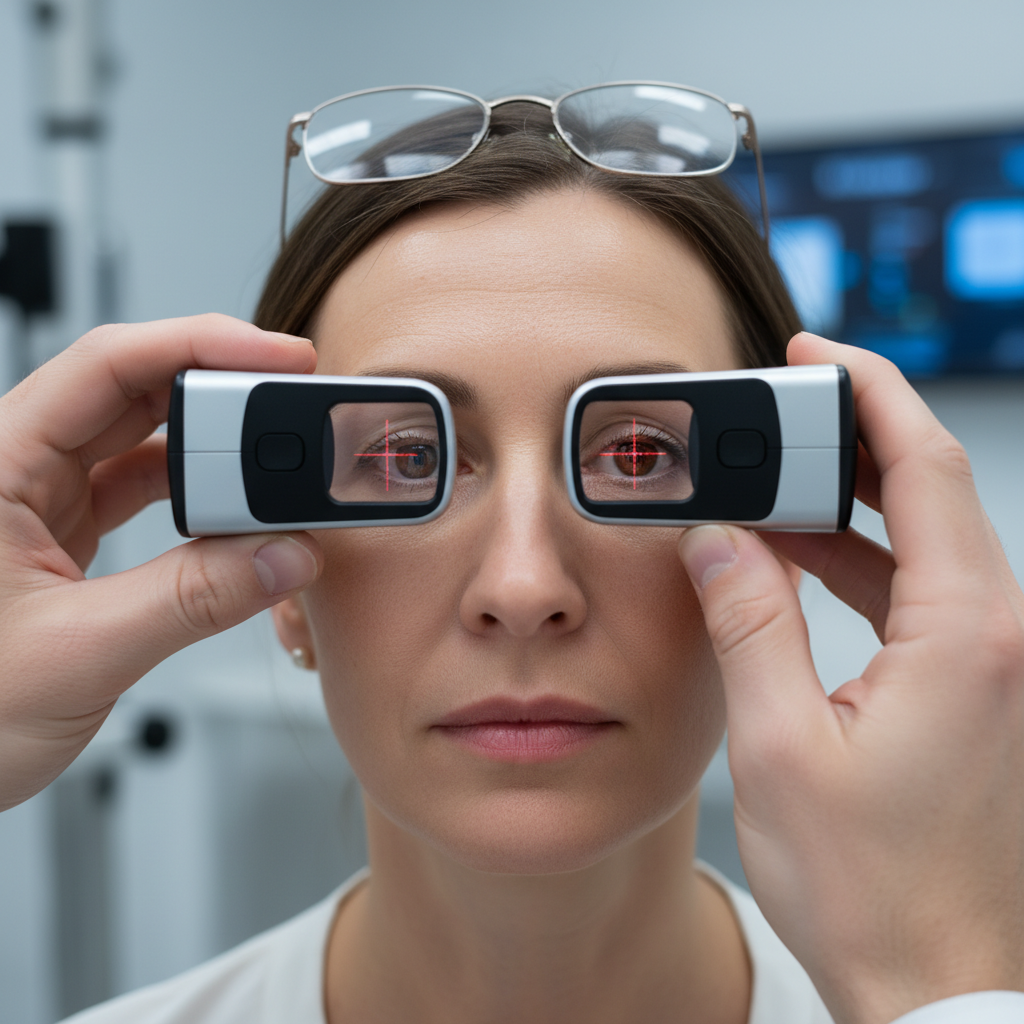
Even the most advanced, expensive progressive lens will fail if it isn't fitted correctly. Non-adaptation is frequently traced back to small but significant fitting errors. Key measurements include:
- Pantoscopic Tilt (Panto): This is the angle of the lens relative to your face. An ideal tilt is between 8 and 12 degrees. If a frame sits too vertically (low panto), your line of sight for reading or looking at stairs can hit the peripheral distortion zone, causing blur and a feeling of instability. This is a common cause of falls among older adults wearing multifocals, who have 2.23 times the odds of falling compared to bifocal wearers due to this exact issue.
- Vertex Distance: The distance between the back of thelens and the front of your eye. If glasses slide down your nose, the increased distance magnifies the swim effect.
- Fitting Height: The optical center of the lens must be perfectly aligned with the center of your pupil. An error of even one millimeter can significantly reduce the usable area of the lens.
Training Your Brain: How to Adapt to Your New Vision
Adapting to progressive lenses is an active process of neuroadaptation. Your brain must learn to ignore the blurry peripheral signals and coordinate new ways of moving. Here are the most effective strategies:
1. Point Your Nose, Not Your Eyes
This is the golden rule of progressive wear. Instead of moving your eyes to look at an object to your side, turn your head to face it directly. This keeps your line of sight aimed through the clear central corridor of the lens. This "head-turning habit" is a required skill, not just a tip. Successful adapters learn to "point their nose" at whatever they want to see clearly.
2. Start Slowly and Be Patient
Your brain needs time—anywhere from a few days to a few weeks—to get used to the new visual input.
- Wear your new glasses for a few hours at a time in a familiar environment, like your home.
- Practice looking between far and near objects, consciously guiding your gaze through the correct part of the lens.
- Avoid driving or navigating stairs until you feel confident and the initial swim effect has subsided.
3. Optimize for Your Digital Life
General-purpose progressives are a compromise. If you spend hours on a computer, you may be forcing your head into an unnatural "chin-up" posture to use the narrow intermediate corridor. This is a leading cause of Computer Vision Syndrome (CVS), which affects nearly 75% of VDT workers wearing general PALs.
Consider a dedicated pair of "office" or "computer" progressive lenses. These are designed with a much larger intermediate zone, providing a wide, comfortable field of view for your desk and monitor, which can significantly reduce neck and eye strain.
4. When to Follow Up with Your Optician
If you are still struggling after two weeks, it's time for a follow-up. Don't assume you "just can't wear progressives." Schedule an appointment to have the fit re-checked. Persistent issues like headaches, dizziness, or needing to adopt awkward postures to see clearly often point to a correctable fitting error.
By understanding the inherent nature of progressive lenses and actively participating in the adaptation process, you can overcome the initial challenges. The result is seamless, functional vision that works with your life, from the road to your reading chair.
This article is for informational purposes only and does not constitute professional medical advice. Consult with a qualified optometrist or ophthalmologist for any personal vision concerns, especially if you have pre-existing conditions.
References
- Cho, P., & Varnas, S. R. (2022). Visual Acuity versus Subjective Preference for Four Progressive Addition Lens Designs. Clinical and Experimental Optometry. https://pmc.ncbi.nlm.nih.gov/articles/PMC10104795/
- Johnson, T. J., et al. (2024). Falls Risk in Older Adults Wearing Multifocal vs. Single Vision or Bifocal Lenses. JAMA Ophthalmology. https://pubmed.ncbi.nlm.nih.gov/39882858/
- G-I, C., et al. (2020). Computer Vision Syndrome in VDT Workers with Progressive Lenses. International Journal of Environmental Research and Public Health. https://www.mdpi.com/1660-4601/17/3/1003


